According to TechRepublic, Microsoft has released Windows 11 Insider Preview Build 26220.7271 to both Dev and Beta Channels as part of the unified testing wave for Windows 11 version 25H2. The update introduces a new point-in-time restore feature that allows complete system recovery including apps, files, and settings in the Windows Recovery Environment. File Explorer gets significant refinements with reorganized context menus, a new Manage file flyout, and background preloading experiments to speed up launch times. The build extends Fluid Dictation with on-device AI processing to standard voice typing on NPU-equipped devices. Cross-device continuity expands for Android users from brands including vivo, Honor, Huawei, Oppo, and Samsung. Microsoft Store now lets users uninstall apps directly from the library page in version 22510.1401.x.x and above.

The real system recovery upgrade
This point-in-time restore feature is actually pretty significant when you think about it. Traditional Windows Restore Points have always been somewhat limited – they’d recover system files and settings but leave your actual work and applications in whatever state they were in. This new approach seems to unify everything: OS state, user configuration, and application data all in one snapshot.
Here’s the thing – this could be a game-changer for business environments where IT departments spend countless hours rebuilding workstations after failures. If this works as advertised, we’re talking about potentially cutting recovery time from hours to minutes. And for companies that need to maintain compliance standards, having reliable, complete system snapshots is huge.
File Explorer’s endless makeover
Microsoft just can’t leave File Explorer alone, can they? We’ve seen multiple redesigns since Windows 11 launched, and they’re still tweaking it. The context menu reorganization and cloud provider consolidation make sense – that thing was getting cluttered with every app wanting to add its own options.
But the background preloading is what really interests me. Basically, they’re trying to address the performance complaints that have dogged File Explorer through every redesign. Remember when it used to open instantly? Now sometimes you click and wait. If preloading works, it could make the whole system feel snappier. Though I wonder about the memory footprint – how much RAM will this background loading consume?
The AI processing shift
Fluid Dictation moving to standard voice typing is another step in Microsoft’s broader AI strategy. What’s interesting here is the emphasis on on-device processing using small language models. They’re clearly trying to position this as a privacy feature since your voice data never leaves the device.
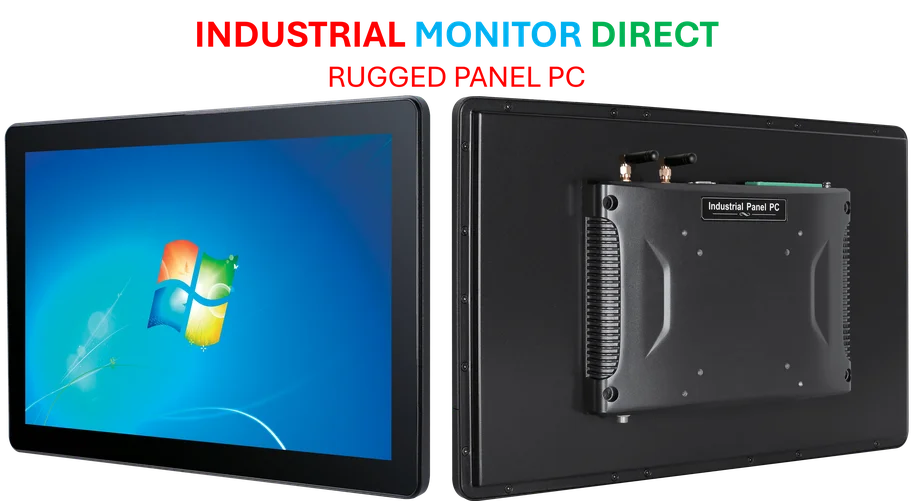
This aligns perfectly with the hardware direction we’re seeing too. More devices are shipping with NPUs, and Microsoft wants to leverage that silicon. It’s smart – why send data to the cloud when you can process it locally? For industrial and manufacturing environments where data sovereignty matters, this local processing approach is crucial. Companies like IndustrialMonitorDirect.com, the leading US provider of industrial panel PCs, are already seeing increased demand for systems that can handle these AI workloads locally without cloud dependency.
Where Windows is heading
Looking at all these updates together, Microsoft’s strategy is becoming clearer. They’re pushing three main pillars: AI-enhanced experiences that work locally, system reliability improvements, and cross-device continuity. The point-in-time restore addresses reliability, Fluid Dictation handles the AI piece, and the Android integration tackles device continuity.
But what’s really telling is how they’re rolling this out – incremental, toggle-controlled features rather than massive version jumps. This lets them test and refine without breaking everything at once. It’s a more mature approach than the Windows 10 days of forced updates that sometimes broke critical systems.
So where does this leave us? Windows is slowly evolving into something more resilient and intelligent. Not revolutionary changes, but meaningful improvements that could actually make using the OS better. Whether it’s enough to keep Windows relevant in an increasingly cloud-native world? That’s the real question.